.AHLogo1200x1200Black-07578d9b18173fee3d04bf845fdf5007eba8c3c451a934328392e5221830e241.png)
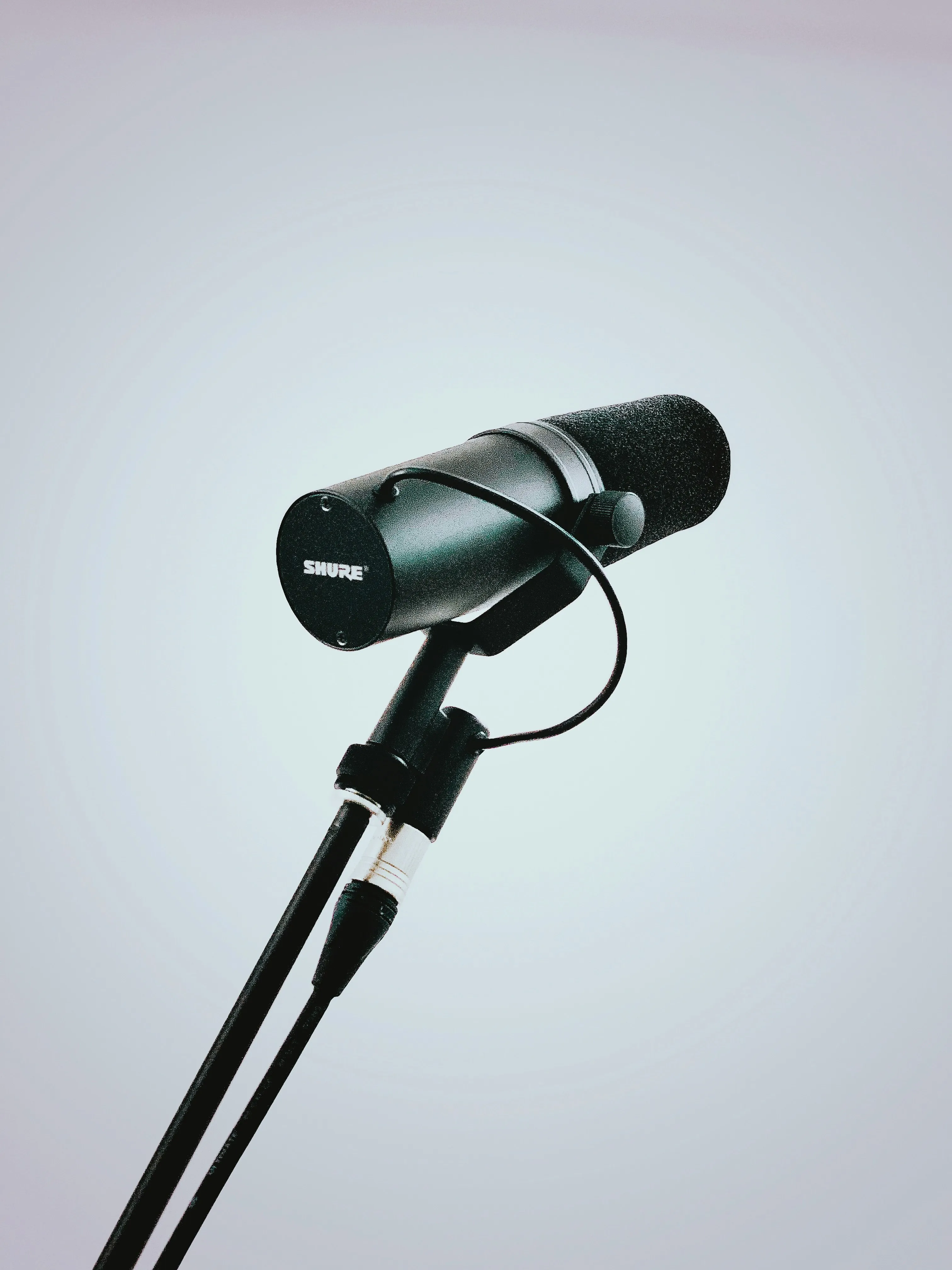
Using Your Hired Mic: What is the "Proximity Effect"?
Ever noticed how a radio DJ's voice sounds so deep and rich? Or how a singer's voice can sound thin one moment and full the next?
Often, what you're hearing is the "Proximity Effect"—a core principle of microphone use that you can control.
Understanding this one simple concept will help you get a much more professional sound from your hired microphone, whether for a speech, a wedding, or a live band.
What is the Proximity Effect in Simple Terms?
The closer your mouth (or instrument) gets to the microphone, the more the bass (low-frequency) sounds are boosted.
That's it.
- Move in close (e.g., lips almost touching the mic) = a warm, deep, "boomy" sound.
- Move back (e.g., 15-20 cm away) = a more natural, clear, "thinner" sound.
This effect is a natural part of how most professional microphones (like the ones you hire) are designed. It only applies to directional mics, like the cardioid mics we supply for vocals and speeches (e.g., a Shure SM58). It does not apply to "omnidirectional" mics, which are designed to pick up sound from all directions at once.
How to Use the Proximity Effect to Your Advantage
You can "perform" the mic to get the sound you want:
- For a Warm, Intimate Vocal: If you are a singer with a thinner voice, getting right up on the mic will instantly add warmth, depth, and fullness. This is the classic "rock vocal" or "crooner" sound.
- For a Big "Voice of God" Sound: If you are an MC or public speaker, you can move in very close for "big announcements" to get that deep, impressive, radio-DJ sound.
- To Make an Acoustic Guitar Sound Full: Miking an acoustic guitar near the soundhole and very close will capture a lot of the body's "boom" and low-end warmth.
When to Avoid the Proximity Effect
While a "boomy" sound is often good, it can also cause problems:
- The "Muddy" Speech: If a speaker with an-already-deep voice gets too close to the mic, their voice will become "boomy" and "muddy." Words will be hard to understand.
- The Fix: Ask the speaker to hold the mic a few centimetres further away. This will instantly clean up the sound, making it clearer and more intelligible for the audience.
- "Popping" P's and B's: When you get very close to a mic, "plosive" sounds (like "P" and "B") can create a loud, unpleasant "pop" or "thump."
- The Fix: If you need to be close, try to aim the microphone slightly off-axis (pointing towards the corner of your mouth, not directly at it). This keeps the bass boost, but the blasts of air from your "P"s and "B"s will go past the mic, not directly into it.
Experiment with the distance. Just a few centimetres can make the difference between a thin, weak sound and a full, professional one—or the difference between a clear speech and a muddy, booming mess.