.AHLogo1200x1200Black-07578d9b18173fee3d04bf845fdf5007eba8c3c451a934328392e5221830e241.png)
Quick Start Guide: Pro Tips for Your Hir
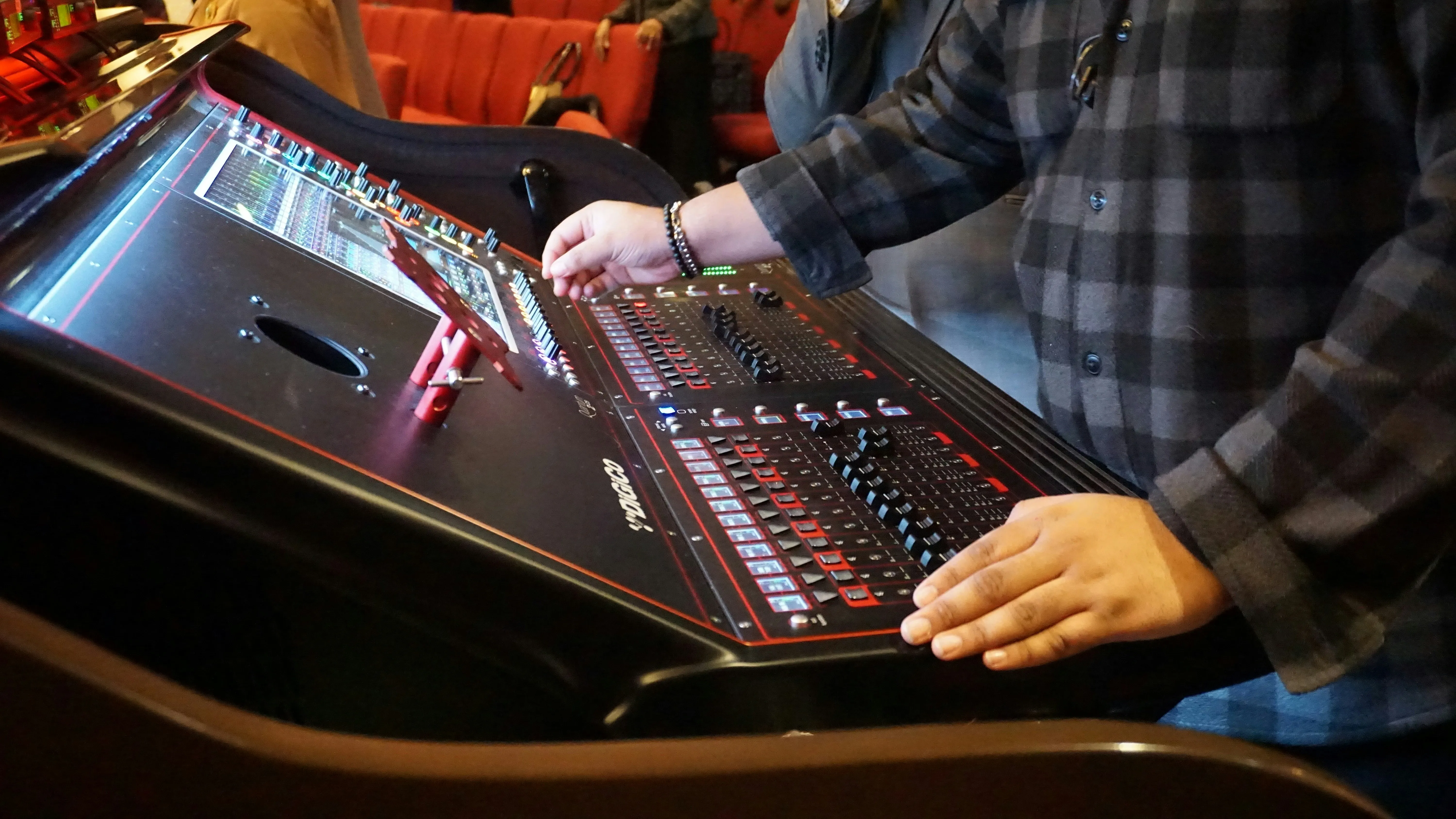
When you arrange a PA system hire, you often become the "sound tech" for your own event. While it may seem daunting, a little preparation can make a huge difference. Here are some pro tips, adapted for the DIY user, to help you get the best sound from your hired equipment.
1. Do Your "Pre-Production" (aka Plan Ahead!)
A professional's best-kept secret is preparation. Before your event, think about the following:
- Know the Music: Listen to the tracks or the style of music the DJ or band will be playing. Is it bass-heavy? Does it rely on clear vocals? This gives you an idea of what to listen for when you're setting up.
- Know the Setup: What exactly is being plugged into the mixer? Get a simple list. For example: "2x CDJ Decks, 1x DJ Mixer, 1x Laptop (for speeches), 2x Microphones." This helps you plan your connections.
- Know the Space: Are you in a large, echoey hall or a small, carpeted room? This will affect the sound, and you may need to adjust the volume and EQ (treble/bass) to compensate.
Good preparation for your PA system hire means you'll spend less time troubleshooting and more time fine-tuning the sound.
2. The "Sound Tech's Toolkit" for Your Event
You don't need a full flight case, but having a few key items on hand can save the day:
- Gaffer Tape: This is not the same as duct tape. Gaffer tape is strong but removes cleanly. It's essential for taping down cables safely to prevent tripping hazards. You can also use small pieces to label mixer channels (e.g., "Speech Mic," "DJ").
- A Torch: Event spaces, stages, and DJ booths are often dark. A small torch (or your phone's light) is crucial for plugging in cables and checking connections behind the gear.
- Extra Cables (if possible): While your hire should come with everything, having a spare power extension lead or an adapter can be a lifesaver.
- A Multi-tool: Always handy for any unexpected minor fixes.
3. Protect Your Ears (and Your Audience's!)
Your ears are your most important tool, but they are also sensitive.
When you're doing the initial "soundcheck" and setting your maximum levels, the music will be loud. It's smart to wear hearing protection, even simple foam earplugs, during this stage.
Once you're set, step away from the PA speakers and walk around the room. Is the volume appropriate for the guests at the back? Is it painfully loud at the front? Adjust your master volume to a comfortable level for everyone.
4. Practice and Listen
The best way to learn is by doing.
- Train Your Ears: You don't need special software. Just practice listening. When you're setting up your PA speaker package, play a track you know extremely well. Does it sound right? Is the bass muddy? Are the vocals clear? Try adjusting the EQ (bass, mid, treble) knobs on the mixer channel to hear what effect they have.
- Get Feedback: Ask someone else to stand in a different part of a room. How does it sound to them?
- Don't Be Afraid of the Gear: The equipment from your PA system hire is there to be used. As long as you follow the golden rule—never let the levels go into the 'red' or 'clip' lights—you can experiment with the faders and EQ knobs to get a sound you're happy with.