.AHLogo1200x1200Black-07578d9b18173fee3d04bf845fdf5007eba8c3c451a934328392e5221830e241.png)
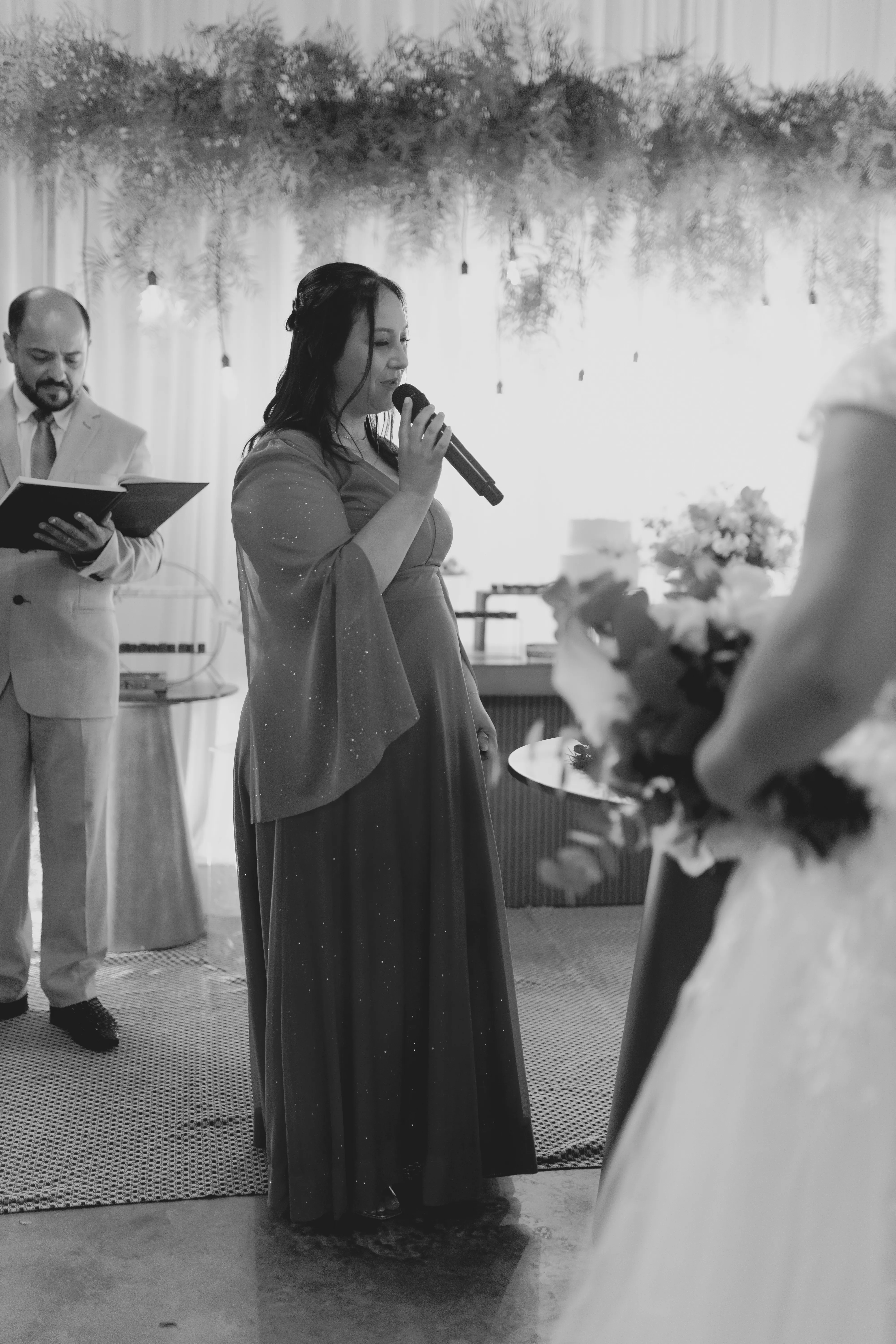
Microphone problems are not always caused by the microphone itself. A system can contain good professional equipment and still produce distracting thumps, crackles, sudden changes in level or unwanted noise because of the way the microphone is handled, connected or positioned. These problems are particularly noticeable during speeches and presentations because there may be little else happening acoustically to disguise them.
Some problems are obvious. A microphone that is dropped or struck will produce noise. Others are less apparent. Fingers moving around the microphone body, somebody continually passing a handheld microphone from one hand to another, a loose XLR connection or a cable being moved across the floor can all introduce sounds that are amplified along with the voice.
The best way to deal with these problems is usually to prevent them before the programme begins. Understanding where unwanted microphone noise comes from makes it much easier to distinguish a handling problem from a cable fault, feedback issue or other problem elsewhere in the PA system.
Handling Noise Starts at the Microphone
A handheld microphone is designed to be handled, but that does not mean every movement will be inaudible. Physical vibration can travel through the microphone body and become part of the signal reaching the sound system. The more aggressively the microphone is moved, tapped or struck, the more obvious that noise can become through the PA.
Someone unfamiliar with microphones may tap the grille to find out whether the microphone is working. This is unnecessary and can produce an unpleasant transient through the loudspeakers. Speaking into the microphone is a much better test because it confirms not only that the microphone is operating but that it is reproducing the type of signal it will actually be used for.
Continually changing hands can also create unwanted noise, particularly if the person grips, slides or rubs their fingers along the microphone body. Holding the microphone naturally and consistently reduces unnecessary movement. A speaker does not need to hold it rigidly, but there is rarely any reason to continually reposition their hands while speaking.
The grille should also be left clear. Cupping the microphone head can alter the way a directional microphone behaves and may increase the likelihood of feedback. A handheld microphone such as the Shure SM58 is intended to be held by its body with the grille unobstructed.
Microphone distance remains important at the same time. Someone trying to avoid handling noise should not respond by holding the microphone at arm's length. Keeping it reasonably close to the mouth provides a stronger direct voice signal and makes it easier for the PA system to reproduce speech clearly. Our microphone technique guide explains these principles in greater detail.
Passing a Microphone Between Speakers
Weddings, awards nights, conferences and panel discussions often involve one microphone being used by several people. The moment when the microphone changes hands can create some of the most noticeable handling noise.
There is no need to throw, slide or rapidly move a microphone between speakers. The person finishing should hand it directly to the next person, ideally by the body rather than grabbing the grille. If an MC is coordinating speeches, they can manage this process rather than leaving an inexperienced speaker to work out what to do with the microphone after finishing.
The receiving speaker should wait until they actually have the microphone before beginning. This sounds obvious, but it is common for someone to start speaking while the microphone is still being passed towards them. The first sentence then disappears for much of the audience.
The opposite problem occurs at the end. A person finishes speaking, lowers the microphone and continues with an additional comment while walking away. If the comment is intended for the room, the microphone needs to remain in position until they have actually finished.
Where several people need to speak frequently, continually passing one microphone may simply be the wrong arrangement. A panel discussion, for example, can benefit from multiple microphones so that conversation is not interrupted every time another participant responds. Our guide to microphones for panel discussions, conferences and Q&A sessions explains how programme format affects microphone quantities.
Crackles and Intermittent Sound May Be a Connection Problem
A microphone that cuts in and out or produces crackling noises should be investigated systematically. The microphone itself is only one possible cause. The XLR cable, connectors, mixer input or another part of the signal path can also be responsible.
With a wired microphone, begin by checking that the XLR connectors are inserted correctly. Inspect the cable route and make sure the cable is not being pulled tightly or repeatedly moved. If the problem appears when the cable is touched or repositioned, the cable or connection deserves attention before the microphone is blamed.
Substituting a known working cable can help isolate the problem. If the microphone behaves normally with the replacement cable, the original cable becomes the obvious suspect. If the problem remains, the next part of the signal chain can be checked. Working through one component at a time is much more useful than changing the microphone, cable and mixer settings simultaneously.
Cable management also helps prevent problems from developing during the function. XLR cables should be routed so that people are not continually stepping on, pulling or moving them. Powered loudspeakers and other equipment may require extension leads, while cable covers can be appropriate where leads cross suitable pedestrian routes. Venue requirements and access paths should always be considered when determining where cables can safely run.
A cable that worked during setup can still become a problem if equipment is subsequently moved. This is one reason a final system check shortly before the programme begins is worthwhile, particularly after venue staff, performers or other suppliers have been working around the equipment.
Wireless Microphones Have Their Own Failure Points
Wireless microphones remove the physical cable between the person speaking and the receiver, but they introduce other components. The transmitter needs power, the receiver needs to be connected correctly to the sound system and the wireless link itself needs to remain reliable throughout the area where the microphone will be used.
Battery condition is one of the simplest things to check. A wireless microphone should begin an important programme with suitable batteries rather than relying on the fact that it happened to turn on during setup. For longer functions, whoever is responsible for the audio equipment should understand how the wireless systems will be managed.
The microphone should also be tested where it will actually operate. An MC may move throughout a reception, while a Q&A microphone might travel across a conference room. Testing the microphone only while standing beside its receiver does not reproduce those conditions. Walk the intended operating area during the soundcheck and confirm that the system remains reliable.
If a wireless microphone produces intermittent sound, do not immediately assume that the microphone capsule is faulty. Check the transmitter, battery, wireless connection, receiver and the cable connecting the receiver to the rest of the audio system. Again, working through the signal path systematically makes the cause easier to identify.
Wireless is extremely useful when mobility solves a genuine problem, but a wired microphone remains an excellent option for fixed positions. Our wired versus wireless microphone guide explains where each format makes practical sense.
Wind, Breath and Unwanted Vocal Noise
Not every unwanted microphone sound originates in the equipment. Air moving directly into the microphone can create low-frequency noise, while certain consonants can produce strong bursts of air that become particularly obvious when the microphone is positioned very close to the mouth.
A handheld vocal microphone is designed with these realities in mind, but technique still matters. The microphone does not always need to point directly into the strongest airflow from the mouth. A small change in angle can sometimes reduce unwanted breath noise while maintaining a useful working distance.
Outdoor use introduces another source of moving air: wind. Conditions that seem mild to the people attending can be much more noticeable through a microphone. Outdoor microphone requirements should therefore be considered as part of the wider audio setup rather than assuming that equipment used successfully indoors will behave identically outside.
The speaker should not respond to breath noise by moving the microphone dramatically farther away. That weakens the wanted voice signal and can create a different set of problems. Small adjustments to position and angle are generally more useful.
If the microphone sounds distorted even when used sensibly, check the system gain and signal path. Distortion is not necessarily a characteristic of the microphone itself. Excessive level at another point in the system can produce an unpleasant result even when the microphone is operating correctly.
Feedback Is Different From Handling Noise
Feedback is often grouped together with general microphone problems, but it has a different cause. Handling noise begins with physical movement or vibration at the microphone. Feedback is an acoustic loop involving the microphone and loudspeaker system.
When sound from a loudspeaker reaches a microphone, passes through the PA and returns to the loudspeaker, it can be amplified repeatedly. If that loop becomes sufficiently strong, the system produces the familiar ringing, whistle or howl associated with feedback.
This distinction matters when troubleshooting. Replacing an XLR cable will not solve acoustic feedback if the microphone is being pointed towards a loudspeaker. Similarly, moving the microphone away from the loudspeaker will not repair an intermittent cable connection.
Good microphone technique helps reduce feedback risk because holding the microphone close to the mouth provides a stronger wanted signal. Loudspeaker position, microphone direction, system level and room acoustics also matter. Our dedicated guide to how to stop microphone feedback at a function covers the subject in more detail.
The useful troubleshooting question is therefore not simply “what is wrong with the microphone?” Listen to the type of problem. A thump when somebody touches the microphone suggests something different from a crackle when a cable moves, a wireless signal that disappears in one part of a room, or a sustained whistle as the microphone approaches a loudspeaker.
Test Problems Before They Become Public
Most common microphone problems are much easier to investigate in an empty room than during a wedding speech or keynote presentation. A proper pre-function check should therefore involve more than confirming that the microphone turns on.
Speak through each microphone normally. Move wired cables gently enough to identify intermittent connections without abusing them. Walk wireless microphones through the areas where they will be used. Check microphone stands, connectors and the relevant mixer inputs. Listen from the audience area and make sure the resulting speech is clear.
Where multiple microphones will be used, test them in the combinations required by the programme. If microphones will be passed between speakers, make sure the arrangement is practical. If an MC is responsible for distributing a microphone, explain the basic handling requirements beforehand.
Our microphone soundcheck guide provides a more complete process for checking microphones and the PA before the audience arrives.
A microphone should ultimately be one of the least interesting parts of a successful function. People should notice the speech, presentation or performance rather than the equipment reproducing it. Careful handling, sensible cable management, appropriate wireless preparation and a proper soundcheck help make that possible.
If you are still choosing the equipment, start with Microphone Hire for Events: A Complete Guide to Choosing the Right Microphone. Current microphone options can also be found through Microphone Hire Adelaide, while PA Hire Adelaide covers the wider sound system when microphones need to serve an audience.