.AHLogo1200x1200Black-07578d9b18173fee3d04bf845fdf5007eba8c3c451a934328392e5221830e241.png)
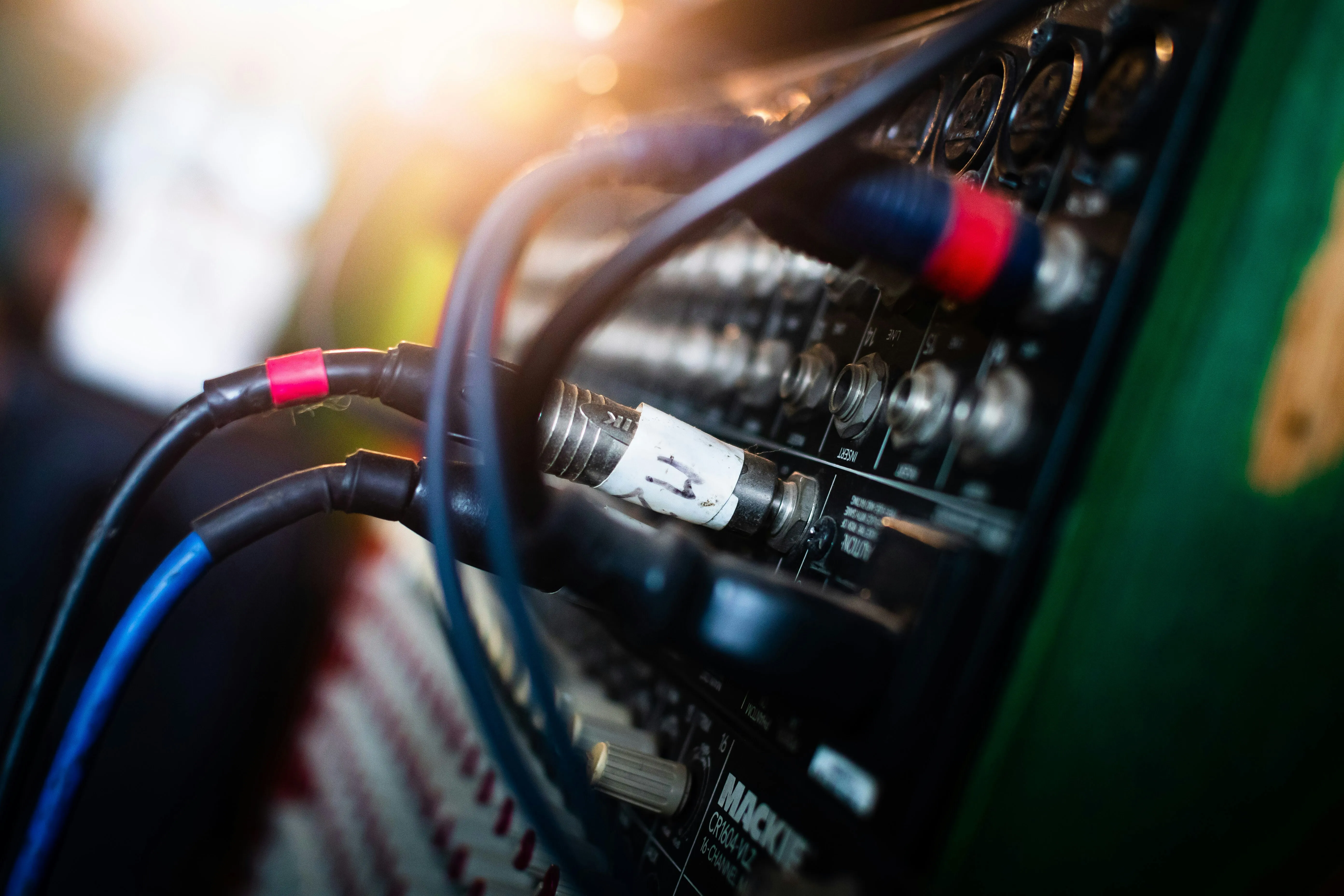
Planning the audio for an event can seem more complicated than it needs to be. You don’t need to be an audio technician to work out what your event needs — but you do need to know what is happening during the event, how many people will be there and what you need the audience to hear.
This checklist will help you work through the main audio requirements before booking a sound system.
1. What is happening at the event?
Start with the event programme rather than the equipment.
Is the event mainly:
- speeches and presentations
- a conference or corporate event
- background music
- a party
- a wedding
- a DJ event
- live music
- a combination of these?
A system that works well for a short presentation may be very different from one needed for a party with music and dancing.
If the event includes several different activities, make a note of all of them. The audio system needs to work for the whole programme, not just the main part of the event.
For event-specific recommendations, see Audio Equipment Hire by Event Type.
2. How many people are attending?
The number of people is an important starting point, but it doesn’t determine the sound system on its own.
For example, 100 people sitting quietly listening to a presentation have very different audio requirements from 100 people dancing to music.
Also consider:
- the size of the room
- the shape of the venue
- whether people will be spread across multiple areas
- whether the event is indoors or outdoors
- how loud the music needs to be
- whether the system needs to cover a dance floor or performance area
This is why it’s better to describe the event rather than simply asking for a system for a certain number of people.
3. Do you need microphones?
If people are speaking to an audience, you’ll probably need microphones.
Consider everyone who may need to speak:
- MC or host
- presenters
- guest speakers
- wedding celebrants
- panel members
- performers
- people taking questions from the audience
For a simple speech or presentation, a wired microphone may be all you need.
Wireless microphones can be more convenient when speakers need to move around or when passing a microphone between people.
For panels, Q&A sessions and events with multiple speakers, microphone requirements can become more complicated.
It’s also worth considering whether you need a spare microphone for an important event.
See Microphone Hire Adelaide for available microphones and accessories.
4. Do you need music?
If music is part of the event, consider how it will be played.
This might be:
- background music from a phone or laptop
- playlists during breaks
- a DJ
- a live band
- recorded music for a wedding or party
The source of the music can affect the connections and equipment required.
If you’re hiring a DJ, confirm what equipment the DJ is supplying and what they expect the venue or event organiser to provide. Don’t assume that a DJ automatically includes the speakers or complete sound system.
For a DJ or live-music event, the requirements can also be considerably greater than those for speeches or background music.
5. What speakers are required?
Speakers are the part of the system that delivers the sound to the audience.
The appropriate setup depends on:
- audience size
- venue
- event type
- music requirements
- required volume
- coverage
- indoor or outdoor use
Audio Hire hires speakers in pairs or larger configurations rather than as single-speaker hires.
For a small event, a pair of powered speakers may be appropriate. Larger or more demanding events may require larger speaker systems and, depending on the application, subwoofers.
See the available options on the Speaker Hire Adelaide page.
6. Do you need subwoofers?
Subwoofers reproduce the lower frequencies that standard full-range speakers cannot deliver with the same impact.
They aren’t necessary for every event.
For example, a speech-focused corporate event generally has very different requirements from a dance party or live music event.
Subwoofers become more relevant when the event requires:
- stronger low-frequency music
- higher music levels
- a dance floor
- live music
- DJ performance
- a larger sound system
The important thing is to choose the system for the event rather than automatically adding subwoofers because they’re available.
For larger events, see the Sound System Hire Adelaide options.
7. Do you need a mixer?
A mixer allows different audio sources to be connected and controlled through the sound system.
You may need one when the event includes multiple sources such as:
- several microphones
- music
- a laptop
- a DJ
- live instruments
- presentation audio
A simple setup with one audio source and a straightforward microphone requirement may need very little mixing.
A conference with several microphones, presentations and audience Q&A is a different situation.
8. Don’t forget stands and cables
The main equipment isn’t the whole setup.
Depending on the event, you may also need:
- speaker stands
- microphone stands
- XLR cables
- longer cables
- power connections
- microphone accessories
Standard speaker cables and IEC power cables are included with speaker hire from Audio Hire.
If you need longer cable runs, longer cables can be hired separately.
Think about where the equipment will actually be positioned before deciding what cable lengths you need.
9. Where will the equipment be positioned?
Consider the physical layout of the event.
For speakers, think about:
- where the audience will be sitting or standing
- where the stage or presentation area is
- where the speakers can be positioned safely
- whether the audience extends a long way to the sides or rear
- whether there are separate areas that need sound
For microphones and other equipment, consider where presenters, performers and operators will be working.
Outdoor events require additional thought because there may be larger distances, open spaces and environmental considerations.
10. Does the event need delivery?
If you’re hiring equipment for an event, work out how it is getting to the venue and back again.
Audio Hire delivery and collection are available for events, with the applicable fee calculated during checkout.
Alternatively, equipment can be collected from Walkerville.
Make sure someone at the venue will be available to receive the equipment when delivery is scheduled.
11. Who is setting everything up?
This is an important question to settle before the event.
Some events are straightforward enough for the organiser or venue team to handle the equipment.
Other events benefit from professional assistance, particularly when there are:
- multiple microphones
- several audio sources
- live music
- a complicated running order
- large audiences
- presentations
- panels
- important speeches
- an event where nobody is available to operate the system
Audio Hire can provide Event Technician Hire Adelaide where required.
12. What does the venue provide?
Before booking, ask the venue what is already available.
Check whether the venue has:
- an existing PA system
- microphones
- speakers
- a mixer
- suitable power
- audio connections
- staging
- a technician or AV team
- restrictions on external suppliers
Don’t assume that equipment listed as “AV” by a venue will provide everything your event requires.
It can be useful to ask the venue exactly what equipment is included and what connections are available.
13. Allow time for setup and soundcheck
The equipment needs to be ready before the audience arrives.
Allow time for:
- unloading
- positioning speakers
- connecting equipment
- connecting microphones and audio sources
- testing microphones
- checking music or presentation audio
- setting appropriate levels
- making any final adjustments
For a simple system this may be straightforward.
For a larger event, particularly one involving multiple microphones or performers, soundcheck becomes much more important.
14. Give the audio company the right information
You don’t need to know exactly which speakers or microphones to hire before asking for help.
Instead, provide:
- event date
- venue/location
- approximate number of guests
- event type
- indoor or outdoor location
- what will be happening during the event
- whether there will be speeches
- number and type of microphones required
- whether there will be music
- whether there is a DJ or live entertainment
- whether the venue has existing equipment
- whether you need delivery
- whether you need setup or a technician
This gives the audio company enough information to recommend an appropriate system.
Event Sound System Checklist
Before booking, make sure you’ve considered:
Event
- ☐ What type of event is it?
- ☐ What happens during the event?
- ☐ How many people are attending?
- ☐ Is it indoors or outdoors?
Audio
- ☐ Do you need music?
- ☐ Do you need microphones?
- ☐ How many people will speak?
- ☐ Is there a DJ or live music?
- ☐ Do you need subwoofers?
- ☐ Do you need a mixer?
Equipment
- ☐ Speakers
- ☐ Speaker stands
- ☐ Microphones
- ☐ Microphone stands
- ☐ Cables
- ☐ Longer cables if required
Venue
- ☐ Where will the speakers be positioned?
- ☐ What equipment does the venue already provide?
- ☐ What connections and power are available?
- ☐ Who will receive the equipment?
Event day
- ☐ Delivery or collection arranged
- ☐ Setup arranged
- ☐ Soundcheck planned
- ☐ Technician required?
- ☐ Pack-down/collection arranged
Not sure what sound system your event needs?
You don’t need to work out the technical specification yourself.
If you know the event date, venue, approximate number of people and what you need the sound system to do, Audio Hire can help you work out the appropriate equipment.
Browse Speaker Hire Adelaide, explore Sound System Hire Adelaide, or get in touch for advice.
You can also explore audio equipment hire by event type.