.AHLogo1200x1200Black-07578d9b18173fee3d04bf845fdf5007eba8c3c451a934328392e5221830e241.png)
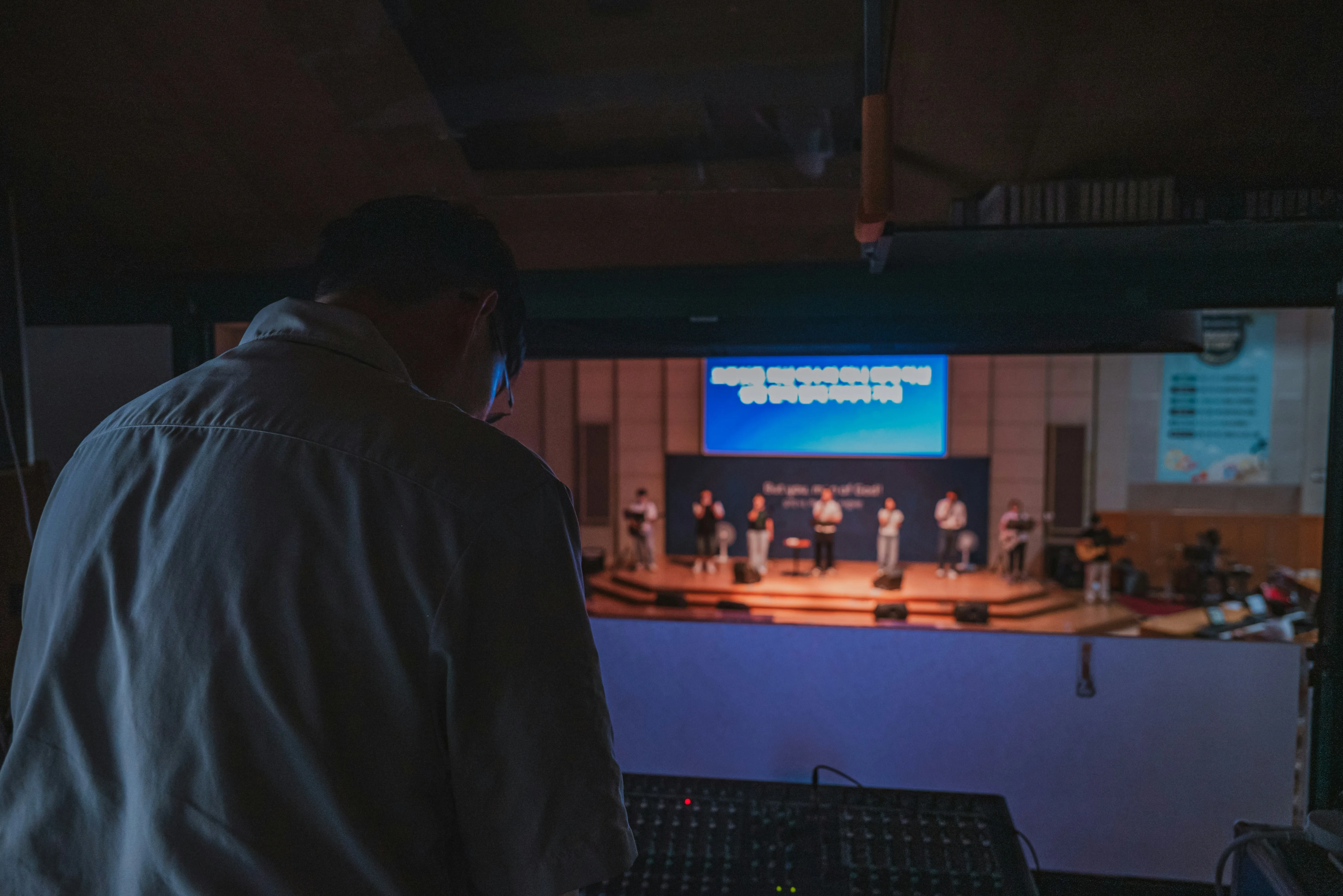
Your speakers have been booked, the microphones are organised and the event is finally here.
Before the guests arrive, there's one important job left: make sure everything works together.
Even a relatively simple PA system is worth setting up and testing before the event begins. For larger events involving multiple microphones, music, DJs or live performers, allowing enough preparation time becomes even more important.
Use this event-day audio checklist to make sure you're ready before the first guest walks through the door.
1. Allow Enough Time for Setup
Don't plan to start assembling the sound system when guests arrive.
How much time you need depends on the equipment.
A simple system with two powered speakers and one microphone may be relatively quick to set up.
A larger system involving:
- multiple speakers
- subwoofers
- several microphones
- wireless systems
- an audio mixer
- a DJ
- live performers
will require more time.
You also need time to test everything after it's connected.
If you're hiring a larger system, consider whether delivery and collection or setup assistance would make the event-day schedule easier.
2. Position the Speakers Before Connecting Everything
Think about where the audience will be.
Speakers should generally be positioned so they provide good coverage across the event area without obstructing guests or creating unnecessary hazards.
For many portable PA systems, raising speakers on suitable stands helps sound travel across the audience rather than being blocked by people standing directly in front of them.
Audio Hire has speaker tripod stands available for compatible speakers.
Also consider where microphones will be used.
Avoid positioning microphones directly in front of speakers where possible, as this can increase the likelihood of feedback.
3. Check Your Subwoofer Placement
If you've hired subwoofers for a party, wedding, DJ event or live performance, decide where they'll be positioned before completing the rest of the setup.
Subwoofers are generally placed on the floor.
Make sure they aren't positioned where guests are likely to trip over them or where they block important access areas.
Then consider the overall event layout.
If the subwoofers are primarily supporting a dance floor, position the system with that area in mind.
If you're still planning your system and music is an important part of the event, browse our sound system hire options.
4. Connect and Test Every Speaker
Don't assume a speaker is working simply because another one is producing sound.
Test each speaker individually.
Walk around the venue while music or speech is playing and listen from different positions.
Ask:
- Is the sound clear?
- Can people at the back hear?
- Is one area significantly louder than another?
- Does the system cover the entire audience area?
Do this before guests arrive, when you still have time to adjust speaker positions.
For larger or unusually shaped spaces, additional speaker coverage may be useful rather than simply turning the existing speakers up louder.
5. Test Every Microphone
Every microphone that may be used during the event should be tested.
That includes microphones intended as backups.
Speak into each microphone at a realistic level and listen through the PA.
Don't just tap the microphone to see whether it makes a noise. That confirms there's a signal, but it doesn't tell you how speech actually sounds.
For wired microphones, check the cable and connection.
For wireless systems, check the transmitter, receiver and batteries.
If you're using a straightforward wired microphone for speeches, Audio Hire offers options such as the Shure PGA48.
For professional vocals and live applications, the Shure SM58 is another option.
6. Check Wireless Microphone Batteries
A wireless microphone working perfectly during setup isn't much help if its batteries fail halfway through an important speech.
Check battery condition before the event.
If the microphone will be used extensively, have suitable replacement batteries available.
Also make sure everyone who needs to use the wireless microphone understands how it operates.
If there's an on/off or mute control on the transmitter, explain it to the relevant people—or have one person responsible for managing it.
7. Make Sure You Have Enough Microphones
Event-day rehearsals sometimes reveal that the original microphone plan isn't as practical as expected.
Perhaps the MC needs a microphone while somebody else is speaking.
Maybe the panel discussion moves too quickly for one microphone to be passed between four people.
Or audience questions have been added to the program.
If your event relies heavily on spoken content, having an additional microphone available can provide useful flexibility.
This doesn't mean every event needs a collection of spare microphones.
But for conferences, weddings, awards nights and other events where speeches are central to the program, another microphone can sometimes solve several logistical problems at once.
8. Test Every Audio Source
List everything that will produce sound during the event.
That might include:
- microphones
- phones
- laptops
- tablets
- DJ equipment
- video playback
- presentation audio
- instruments
Test each source through the PA system.
Don't wait until a video is being shown to discover the laptop audio hasn't been connected.
Different devices can also produce significantly different output levels, so check how they compare.
A microphone may be at a comfortable volume while music from a laptop is suddenly much louder.
If you're using several sources, an audio mixer gives you much better control over those differences.
For smaller setups, the Yamaha MG06 audio mixer can provide multiple inputs and independent level control.
9. Check Your Music Before Guests Arrive
If music is part of the event, prepare it in advance.
Make sure:
- playlists are ready
- the playback device is charged or powered
- notifications won't interrupt playback
- the correct cable or connection is available
- the music plays through the complete PA system
- volume levels are appropriate
Think about different parts of the event too.
You may need separate music for:
- guest arrival
- background music
- speaker entrances
- awards
- formalities
- dancing
If the event transitions from quiet background music to a dance floor later, test the system at the level you expect to use during that part of the event.
That's particularly important if subwoofers are included.
10. Put Phones and Laptops in Event Mode
A phone connected to a PA system can play more than your playlist.
Calls, message alerts and app notifications can become part of the event too.
Use appropriate settings to prevent unwanted interruptions.
For laptops, close unnecessary programs and disable notifications where practical.
If a presentation contains audio or video, test the actual files that will be used.
Don't assume that because one video works, every presentation file will behave identically.
11. Check the Mixer
If you're using an audio mixer, label or familiarise yourself with the important controls before the event.
Know which channel controls:
- the MC
- other microphones
- music
- laptop audio
- performers
This becomes particularly useful when something needs changing quickly.
If several microphones are connected, establish sensible starting levels for each rather than assuming every person will speak at the same volume.
And if the event program has expanded since the original booking, check that you still have enough mixer inputs.
12. Do a Proper Soundcheck
A soundcheck is more than confirming that equipment turns on.
Ideally, the people who will actually use the system should participate.
For speeches, ask the MC or presenter to speak through their microphone.
For performers, test the microphones and instruments they will use.
For a DJ, check the connection between the DJ equipment and the PA system.
A soundcheck gives you an opportunity to identify:
- unsuitable levels
- feedback
- incorrect connections
- missing cables
- microphone issues
- unexpected differences between audio sources
All of these are easier to solve in an empty room than in front of an audience.
13. Walk the Room
Don't evaluate the sound entirely from beside the mixer or speakers.
Walk through the areas where guests will be.
Listen at:
- the front
- the middle
- the back
- the sides of the room
If the event is outdoors, walk through the complete audience area.
You're checking for coverage, not simply loudness.
If the back is too quiet, turning the front speakers dramatically louder isn't always the best solution. For larger spaces, additional speaker coverage may provide a better result.
Browse our speaker hire options if your venue requires more coverage than a basic system can provide.
14. Secure and Manage Cables
Once everything is working, check the cable routes.
Avoid leaving cables loose across walkways and other areas where guests will move.
Pay particular attention to:
- entrances
- dance floors
- stages
- catering areas
- doorways
- paths between tables
The neatest audio setup isn't simply about appearance.
Good cable management makes the event area easier and safer to use.
15. Check With the DJ or Performers
Don't assume performers have everything they need because their equipment is sitting on stage.
Confirm before guests arrive.
Ask whether they have:
- the correct PA connection
- required microphones
- microphone stands
- monitor requirements
- mixer inputs
- power
- necessary cables
If the performer provided a technical rider, check the setup against it.
This is also the time to establish who is controlling what.
For example, is the DJ controlling the complete system volume, or are they feeding audio into another mixer?
Everyone should know their role before the performance begins.
16. Decide Who Is Responsible for the Sound
This is one of the most important items on the checklist.
Once guests arrive, who is actually responsible for the PA system?
For a simple party, it may be the organiser.
For a wedding, perhaps the DJ or MC manages some of the audio.
For a larger event, there may be a dedicated sound technician.
Someone needs to know:
- where the mixer is
- which controls matter
- how microphones are managed
- how music is controlled
- what to do if something changes
If the event involves several microphones, performers or frequent audio changes, having a sound technician can remove this responsibility from the organiser altogether.
That allows you to concentrate on running the event rather than watching audio levels.
17. Have a Simple Backup Plan
You don't need duplicate equipment for every item in the system.
But think about the components that are critical to the event.
For example:
What happens if a microphone becomes unavailable?
Is there another microphone that can be used?
What if the main music device has a problem?
Is the playlist accessible from another device?
What if a cable is damaged?
For important events, a small amount of additional capacity can provide useful flexibility.
An extra microphone, appropriate spare cables or another available mixer input may solve an unexpected problem without requiring a major backup system.
18. Do One Final Check Before Guests Enter
Once everything is ready, perform a final check.
Confirm:
- all speakers are operating
- subwoofers are operating
- microphones work
- wireless batteries are ready
- music plays correctly
- laptop and video audio works
- mixer channels are set
- cables are safely routed
- performers are ready
- the person responsible for sound knows the system
Then set the initial music or microphone levels appropriately for guest arrival.
Your event audio is ready.
The Best Time to Find an Audio Problem Is Before the Event
Most event audio preparation comes down to one principle:
Don't wait until you need something to discover whether it works.
Test every speaker.
Test every microphone.
Test every audio source.
Make sure you have enough equipment for the way the event will actually run, not simply the minimum needed to get started.
For a straightforward event, that may still mean a very simple PA setup.
For a larger event, you may discover during planning that another microphone, additional speaker coverage, subwoofers, mixer capacity or technical support would make the event considerably easier to manage.
If you still need equipment, browse the Audio Hire equipment range or our PA hire options.
If transporting the equipment is becoming another job on an already busy event day, consider delivery and collection.
And if you'd rather have someone else responsible for setting up, testing and managing the sound, contact Audio Hire to discuss your event and technical support requirements.
A little preparation before your guests arrive can prevent a lot of unnecessary stress once the event begins.